
AI and SIYA, in 12 short videos
SIYA, the AI receptionist, and the AI summaries and suggestions on your calls and leads. Watch it through in three minutes, or read each step.
4 articles12 videos · 2:3211 min read
 0:12Step 1 · Read a call's analysis
Video 1 of 12
AI call summaries and analysis
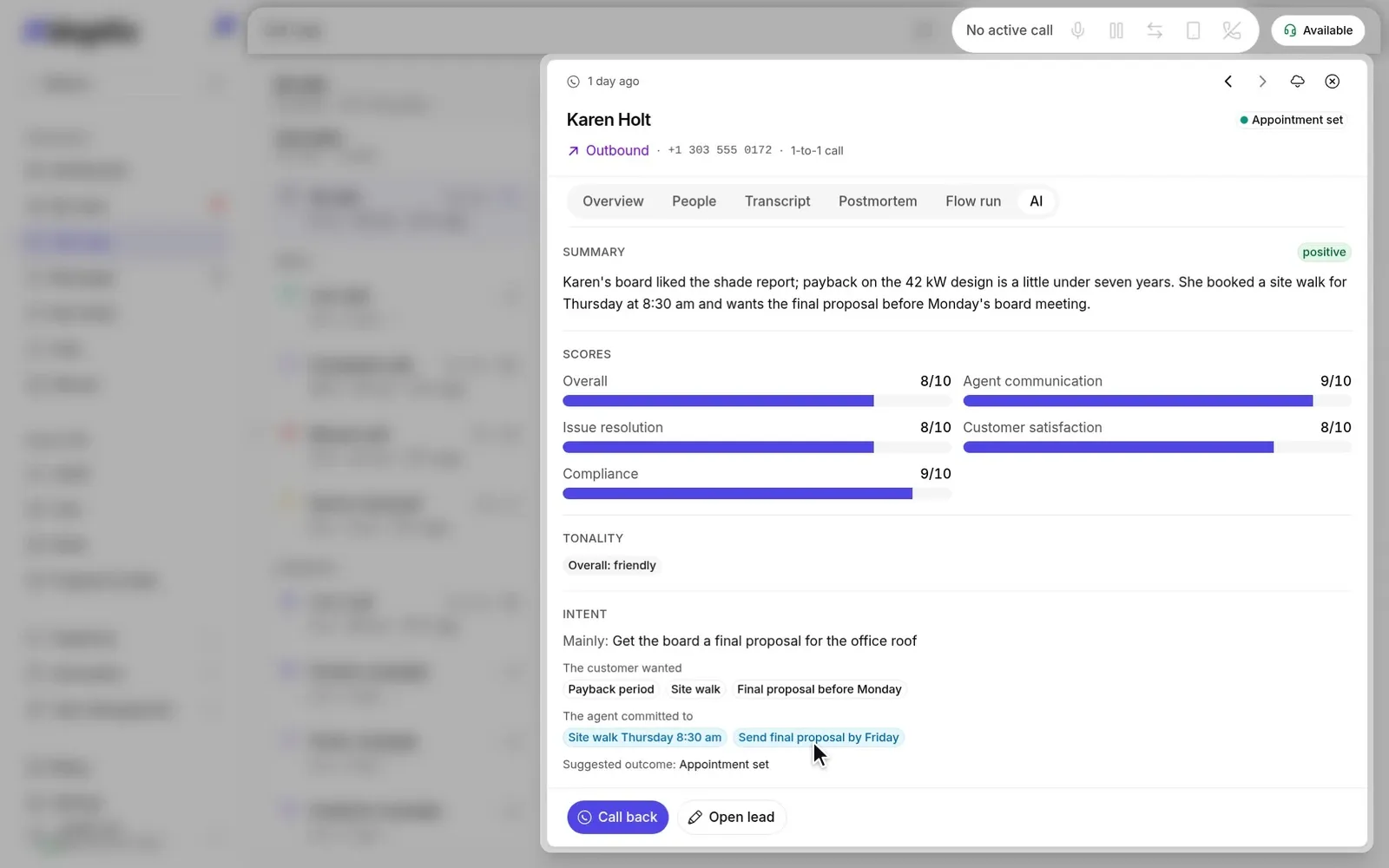
Opening Jordan Lee's call with Karen Holt in Call Logs and choosing the AI tab: the summary marked positive, five scores out of 10, the tonality and the intent with what the customer wanted and what the agent committed to.
Read this part of the articlePrefer to read?
The four articles, in order
- 1
AI call summaries and analysis
Read what AI made of a call - summary, scores, tone and intent - choose which calls are analyzed automatically, and analyze one call by hand.
3 min read · 3 videosAll 5 sections: AI call summaries and analysis - 2
AI lead summaries and suggestions
Read the AI summary on a lead's Overview tab, refresh it, and apply or dismiss the updates AI suggests from calls, emails and texts.
3 min read · 3 videosAll 5 sections: AI lead summaries and suggestions - 3
Set up SIYA, the AI receptionist
Create an AI agent that answers calls, test it by calling yourself, and add it to a call flow so it picks up your line.
3 min read · 3 videosAll 4 sections: Set up SIYA, the AI receptionist - 4
Give your AI agent knowledge
Add your website, files or pasted text as knowledge, choose which sources each AI agent may search, and test what an agent would find.
2 min read · 3 videosAll 5 sections: Give your AI agent knowledge
Other topics
Still need help?
Chat with our team, or email us and we will get back to you.