
Reports and dashboards, in 6 short videos
See how your team is doing on dashboards and wallboards. Watch it through in a minute, or read each step.
3 articles6 videos · 1:268 min read
 0:17Step 1 · Create the board
Video 1 of 6
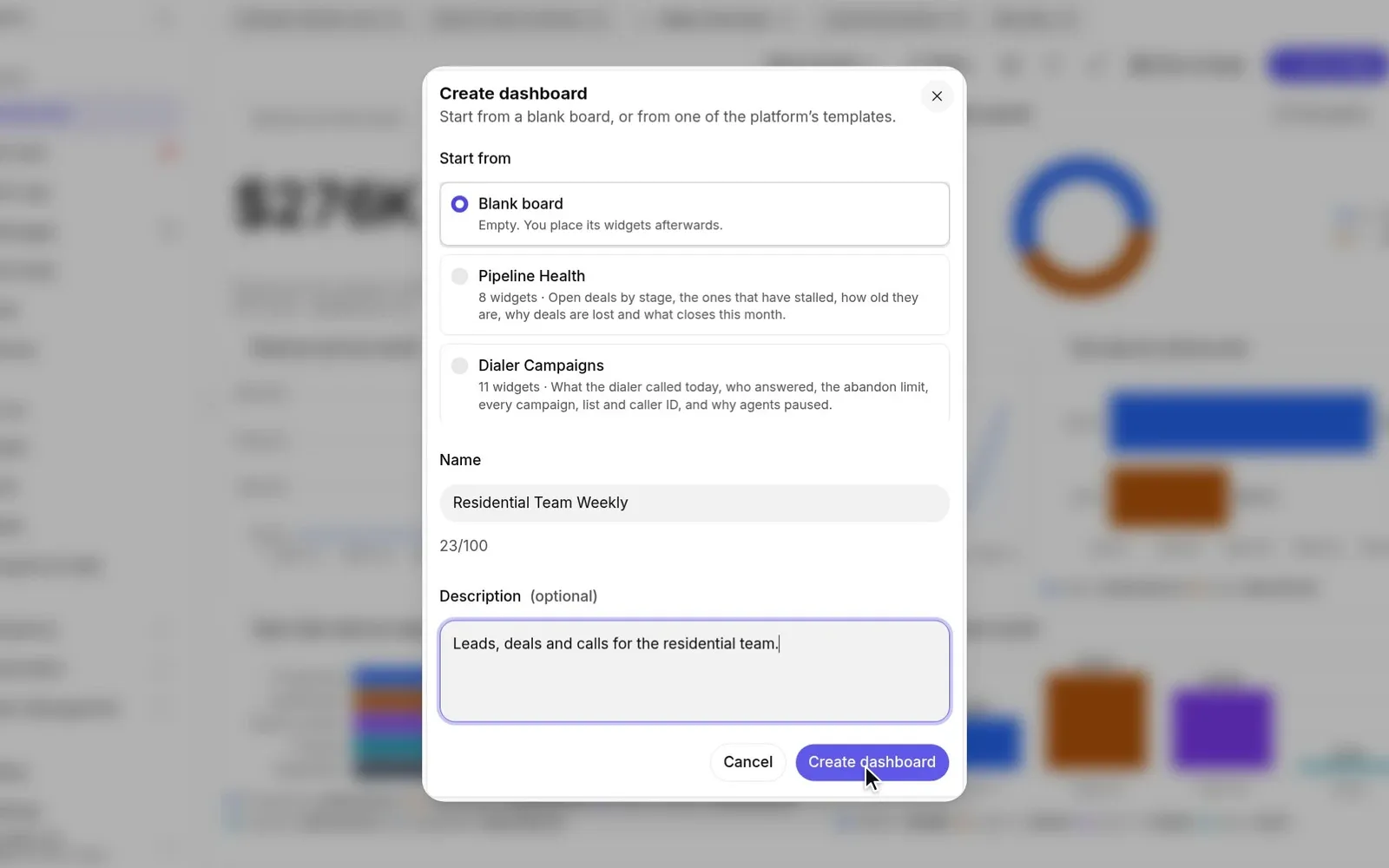
Build a dashboard
Opening the Dashboard actions menu, choosing Create New Dashboard, keeping Blank board under Start from, typing a name and description, then pressing Create dashboard; the new board opens.
Read this part of the articlePrefer to read?
The three articles, in order
- 1
Build a dashboard
Create your own dashboard, fill it with widgets from the catalogue or ones you build, then arrange it, filter it and make it your default.
3 min read · 2 videosAll 5 sections: Build a dashboard - 2
Share, export and schedule a dashboard
Share a board with teams and roles, download it as a PDF, picture or spreadsheet, and send it by email or to Slack or Teams on a schedule.
2 min read · 2 videosAll 5 sections: Share, export and schedule a dashboard - 3
Show live numbers on a wallboard
Put a dashboard full screen on a second monitor, or pair an office TV that shows live figures with nobody signed in. Add playlists, alerts and announcements.
3 min read · 2 videosAll 7 sections: Show live numbers on a wallboard
Other topics
Still need help?
Chat with our team, or email us and we will get back to you.