Lead programs: running separate lead types in one CRM
Adoptiv Team··Updated ·2 min read
Short answer
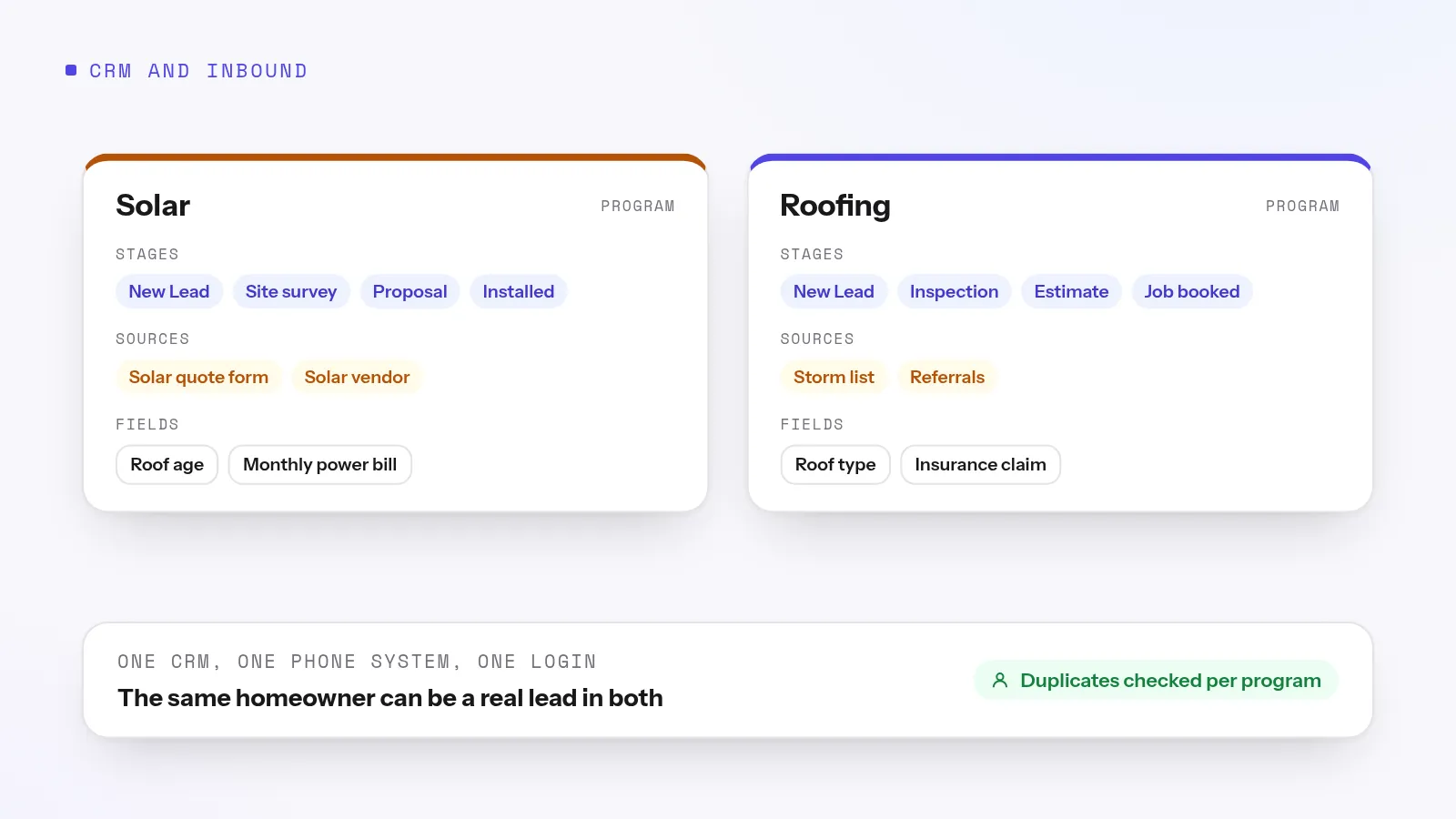
If you sell more than one thing, like solar and roofing, or final expense and mortgage protection, give each lead type its own program: its own stages, sources and fields, with duplicates checked inside it. You keep one CRM, one phone system and one login, but reps and reports stop mixing a roofing lead's journey with a solar lead's.
Most small businesses start with one CRM pipeline for everything. That works until a second product line arrives with different steps, different questions and different lead vendors. Then stages stop making sense, fields fill up with blanks, and reports average two businesses into one meaningless number. This post is part of our guide to a CRM with a built-in phone system.
Signs you need separate programs
Reps skip stages because half of them don't apply to the lead in front of them.
Custom fields are mostly empty, because each one only matters for one product.
Lead sources from different vendors sit in one long dropdown.
Your conversion rate means nothing, because it mixes a two-week sale with a two-month one.
What each program should own
Piece
Separate per program?
Why
Lead stages
Usually
Each product has its own steps; keep a few shared ones like New Lead
Lead sources
Yes
Vendors and campaigns differ by product
Custom fields
Yes
Roof age matters for solar, not for life insurance
Duplicate check
Yes
The same person can be a real lead for two products
Phone numbers and texting
Often shared
One brand, one callback number, unless you sell under different names
Reps
Depends
Specialists per product, or one team across all of them
Try it on your own numbers. Keep each lead type's stages and sources apart, and catch duplicates within each program on import.
Start from the sale, not the software. Write down each product's real steps from first call to closed, then build the stages from that list. Our guide to lead stages covers how many to have and how to name them. Then list the five to ten facts a rep needs for each product and make those the program's fields; our post on CRM custom fields covers what to track and what to skip.
Decide early what happens when one person fits two products. Usually the right answer is two leads, one per program, each with its own owner and stage, rather than one lead trying to carry both journeys.
Lead programs in Adoptiv
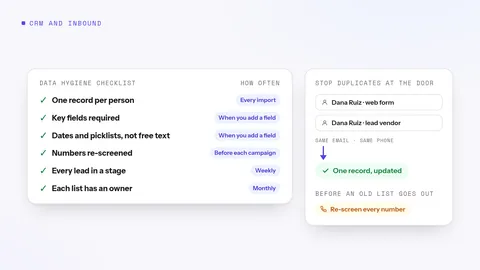
In Adoptiv, a lead belongs to a program. When a lead is imported, duplicate detection checks its email, then its phone, against the leads in that program, so a person who is only a lead in another program gets a new lead in this one. A CSV or Excel import runs into the program you pick, and duplicates are caught the same way (see importing leads into a CRM).
Each program has its own lead stages and lead sources, and a stage you want everywhere can be used in every program.
Common questions
What is a lead program in a CRM?+
A separate set of stages, sources and fields for one type of lead, inside the same CRM. It lets one business run several product lines without mixing their pipelines.
Should I use separate CRMs for separate products?+
Usually not. Two CRMs means two logins, two phone setups and no shared view of a customer. Separate programs inside one CRM keep the data apart and the tools together.
Can the same person be a lead in two programs?+
Yes, and often they should be, with one lead per program. In Adoptiv, duplicates are checked within a program on import, so a person in another program gets a new lead.
Can programs share stages?+
They can. Keep shared steps like New Lead in every program, and give each program its own stages for the steps only it has.
Adoptiv is the dialer, the CRM and the AI on one platform, where the busywork logs itself and your reps just talk. Try it free for 14 days, with no credit card.
Questions? Call +1 (844) 955-7733. SIYA answers and puts you through to a person.
Adoptiv Team. “Lead programs: running separate lead types in one CRM”. Adoptiv Inc, November 27, 2026. Retrieved from https://adoptiv.com/blog/lead-programs