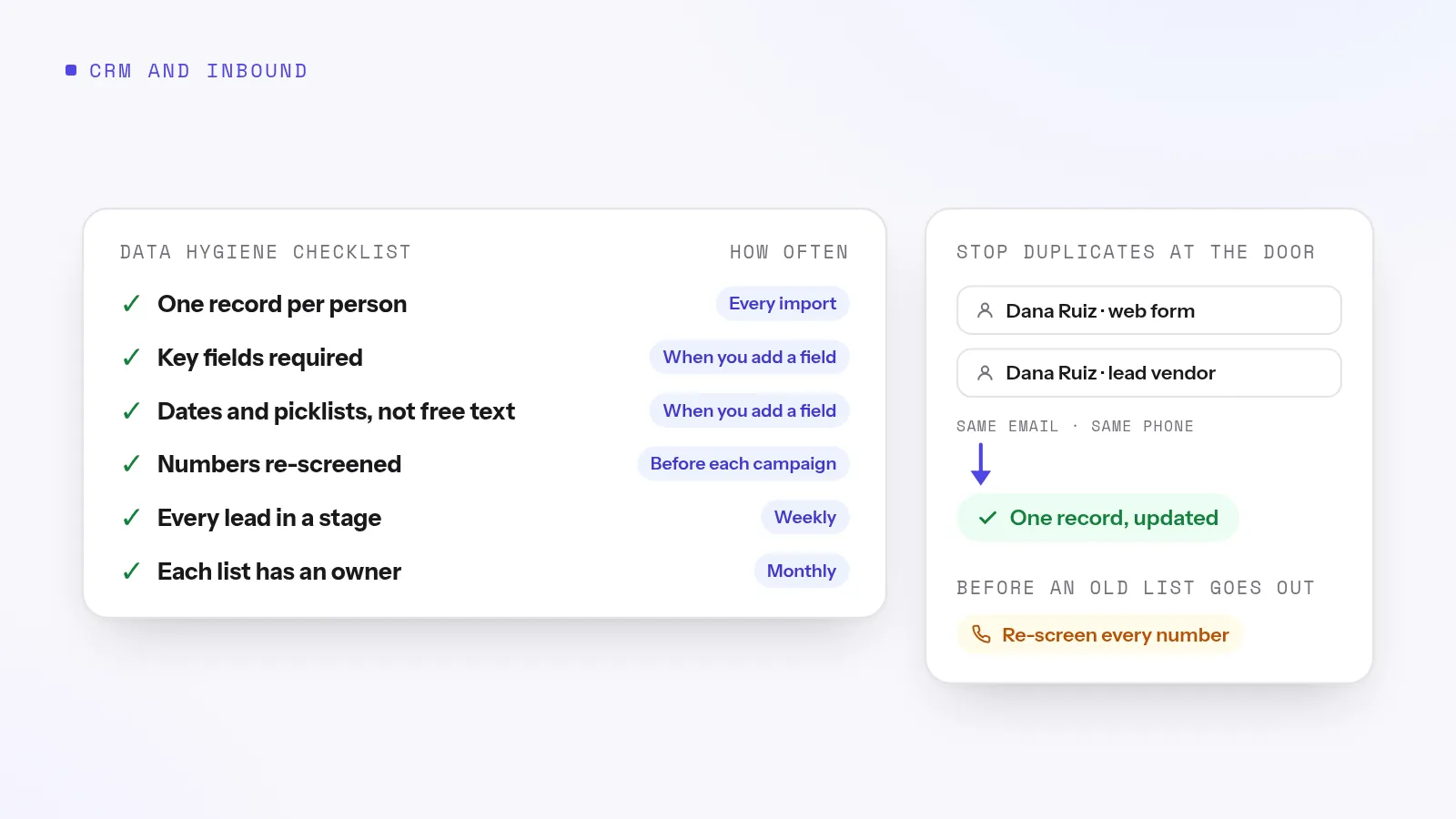
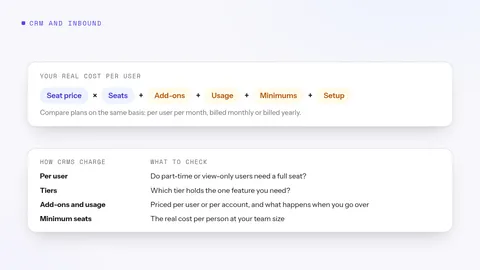
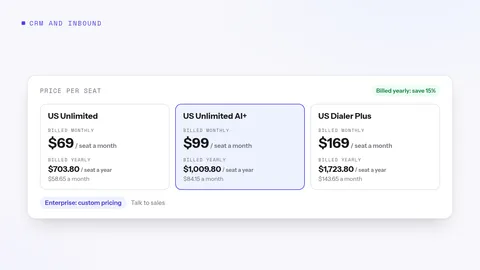
Good CRM data hygiene means one record per person, the same fields filled the same way, numbers that are still safe to call, and lists someone reviews on a schedule. Stop duplicates when leads arrive rather than cleaning them up later, make the fields that matter required, re-screen numbers before you call an old list, and give every list an owner.
Bad data costs a sales team twice: once when a rep calls the wrong number or the same person twice, and again when reports built on that data point the wrong way. This checklist is part of our guide to a CRM with a built-in phone system, and it's written for teams whose CRM feeds the phones.
The checklist
Area
What good looks like
How often
Duplicates
One record per person, matched on email and phone
On every import
Required fields
The fields reps and reports depend on are never blank on new leads
When you add a field
Field formats
Dates, numbers and picklists, not free text
When you add a field
Phone screening
Numbers checked before an old list goes back out
Before each campaign
Stages
Every lead in a stage that says what happens next
Weekly
List ownership
Each list has a person who answers for it
Monthly
Stop duplicates at the door
Duplicates are cheapest to stop before they're saved. Once two copies exist, calls and notes split between them and nobody sees the whole history. Decide on your match keys (email and phone are the usual ones), clean them up the same way every time, and decide what a match should do: skip the new row, or update the record you already have. Our post on duplicate leads in a CRM goes deeper on match rules.
Make the important fields required
If a report groups leads by product, renewal date or source, those fields must be filled on every new lead. Make them required, and use typed fields (date, number, currency, picklist) instead of free text, so "Jan 5", "5/1" and "next week" never end up in the same column. Our guide to CRM custom fields covers what to track.
Try it on your own numbers. Catch duplicates on every import by email, then phone, and keep each field's values checked as records are saved.
A number that was fine last spring may be on a do-not-call list now. Screen numbers again before an aged list goes back into a campaign, and keep the answer on each lead so reps can see it. This is general information, not legal advice, so check with your own counsel.
Give every list an owner
Lists pile up: last quarter's trade show, a vendor file, a test import. Give each one an owner, a purpose and a review date, and archive what nobody uses. Before any big upload, read our steps to import leads into a CRM.
Data hygiene in Adoptiv
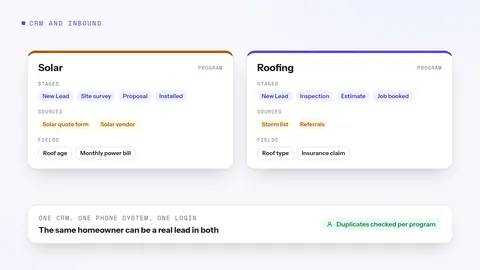
Adoptiv checks every lead from an import, and any lead a call creates, before it's saved: duplicate detection matches the email first, trimmed and lowercased, then one phone number: the primary, or the mobile when there's no primary. Matching is exact and names are never compared. On an import, a person who is only a lead in another program gets a new lead in this one; a call is matched to their lead in any program. The check runs on imports and calls; it doesn't sweep the records you already have.
In bulk import you choose what a match does: update the existing lead (the default: filled cells write, empty cells never blank a value, and tags and owner are left alone), skip it, or add the row anyway. When an import finishes, its numbers are queued for screening against the federal Do Not Call registry and known litigators, and the answer is saved on each lead.
Custom fields come in eleven types, and each value is checked against its type when the record is saved. A required field must be filled in when someone adds a lead by hand, and it can't be emptied later; an import can still leave it empty, so check your file first.
Common questions
What is CRM data hygiene?+
It's the habit of keeping CRM records accurate, complete and free of duplicates, so reps call the right people and reports can be trusted.
How often should you clean CRM data?+
Check for duplicates on every import, review stages weekly and lists monthly, and re-screen numbers before an old list goes back out.
What causes duplicate leads?+
Repeat imports, overlapping vendor files and inbound calls from people already on your list. Matching on email and phone when leads arrive stops most of them.
Should every field be required?+
No. Require only the fields your reps and reports depend on. Too many required fields slow reps down and invite placeholder values.
Adoptiv is the dialer, the CRM and the AI on one platform, where the busywork logs itself and your reps just talk. Try it free for 14 days, with no credit card.
Questions? Call +1 (844) 955-7733. SIYA answers and puts you through to a person.